QR Codes have become an essential part of modern digital communication. From scanning menus at restaurants to making payments and accessing websites, QR Codes are used everywhere. If you are new to QR Codes and want to understand what they are, how they work, and how they are used in real life, this beginner’s guide will explain everything in a simple and clear way.
What Is a QR Code?
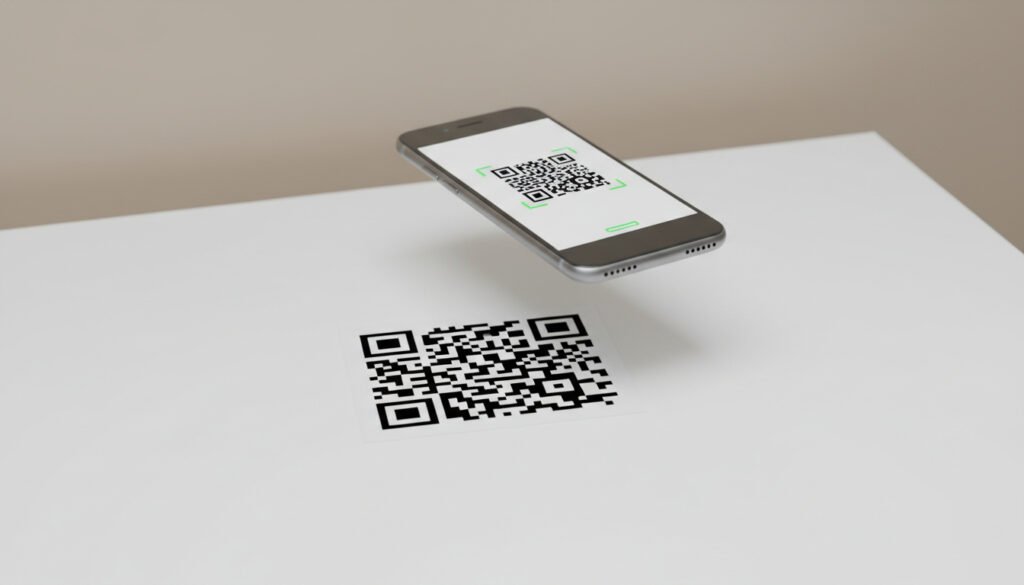
A QR Code, short for Quick Response Code, is a type of two-dimensional barcode that stores information in a square-shaped pattern made up of black and white blocks. Unlike traditional barcodes that can only store limited data, QR Codes can store a much larger amount of information and can be scanned quickly using smartphones.
QR Codes were originally developed in the 1990s for tracking automotive parts, but their usage has expanded significantly with the rise of smartphones. Today, QR Codes are widely used to share digital information instantly and efficiently.
A QR Code can store:
- Website URLs
- Plain text
- Email addresses
- Phone numbers
- WiFi login details
When a QR Code is scanned, the stored information is immediately displayed on the user’s device.
Why Are QR Codes Called “Quick Response” Codes?
QR Codes are called Quick Response Codes because they can be scanned and read much faster than traditional barcodes. Their square design allows scanners to read data both horizontally and vertically, which significantly improves scanning speed.
This fast response makes QR Codes ideal for situations where users need instant access to information without typing or searching manually.
How Does a QR Code Work?
The working process of a QR Code is simple and happens in a few quick steps.
Step 1: Data Encoding
First, information such as a website link, text, or contact details is entered into a QR Code generator. The generator converts this information into a digital format that can be stored inside a QR Code.
Step 2: QR Code Generation
The encoded data is transformed into a square grid of black and white blocks. This grid also includes special elements such as position markers and alignment patterns, which help scanners read the QR Code accurately.
Step 3: Scanning the QR Code
When someone scans the QR Code using a smartphone camera or QR scanner, the device reads the pattern and decodes the stored data.
Step 4: Displaying the Information
Once decoded, the information is instantly shown on the user’s screen. This could be a website opening in a browser, a WiFi network connecting automatically, or text appearing on the screen.
What Devices Can Scan QR Codes?
Most modern smartphones support QR Code scanning without the need for additional apps.
QR Codes can be scanned using:
- Built-in smartphone cameras
- Native QR scanner features
- Third-party QR scanner applications
Because QR Codes follow a universal standard, they work across different devices and operating systems worldwide.
Types of QR Codes
QR Codes can be categorized based on the type of information they contain.
URL QR Codes
These QR Codes open a website when scanned. They are commonly used for marketing, blogs, product pages, and business websites.
Text QR Codes
Text QR Codes display plain text on the screen after scanning. These are useful for sharing short messages or instructions.
Email QR Codes
Email QR Codes open the user’s email app with a pre-filled email address, making it easier to contact someone.
Phone Number QR Codes
These QR Codes allow users to call a phone number instantly after scanning.
WiFi QR Codes
WiFi QR Codes connect users to a wireless network without requiring them to enter the password manually.
Real-Life Examples of QR Codes
QR Codes are widely used in everyday life across different industries.
Restaurants and Cafes
Many restaurants use QR Codes for digital menus, online ordering, and customer feedback forms. This reduces the need for printed menus and improves convenience for customers.
Businesses and Marketing
Businesses use QR Codes on flyers, posters, packaging, and advertisements to direct users to websites, promotional offers, or social media pages. QR Codes help bridge the gap between offline and online marketing.
Payments and Banking
QR Codes are commonly used for digital payments and mobile wallets. Users can scan a QR Code to complete transactions quickly and securely.
Events and Tickets
Event organizers use QR Codes for event tickets, registrations, and entry passes. This helps streamline check-ins and reduces manual verification.
Education and Learning
Educational institutions and teachers use QR Codes to share study materials, online resources, assignments, and attendance links.
Are QR Codes Safe to Use?
QR Codes themselves are safe, but users should be careful about scanning unknown or suspicious QR Codes. Since QR Codes can store website links, malicious QR Codes may redirect users to unsafe websites.
To stay safe:
- Scan QR Codes from trusted sources only
- Check the URL before opening it
- Avoid scanning QR Codes placed in suspicious locations
Using reputable QR Code generators and scanners helps reduce security risks.
Benefits of Using QR Codes
QR Codes offer many advantages for both individuals and businesses.
- Easy and fast information sharing
- No need to type long URLs or details
- Works on most modern devices
- Cost-effective and paperless
- Suitable for both digital and print use
Because of these benefits, QR Codes have become an essential tool in modern communication.
Conclusion
QR Codes are a simple yet powerful technology that makes sharing information faster and more convenient. Whether it is opening a website, making a payment, or accessing a menu, QR Codes help users connect to digital content instantly.
For beginners, understanding what QR Codes are and how they work is the first step toward using them effectively. As technology continues to evolve, QR Codes are expected to remain an important part of digital interaction across various industries.